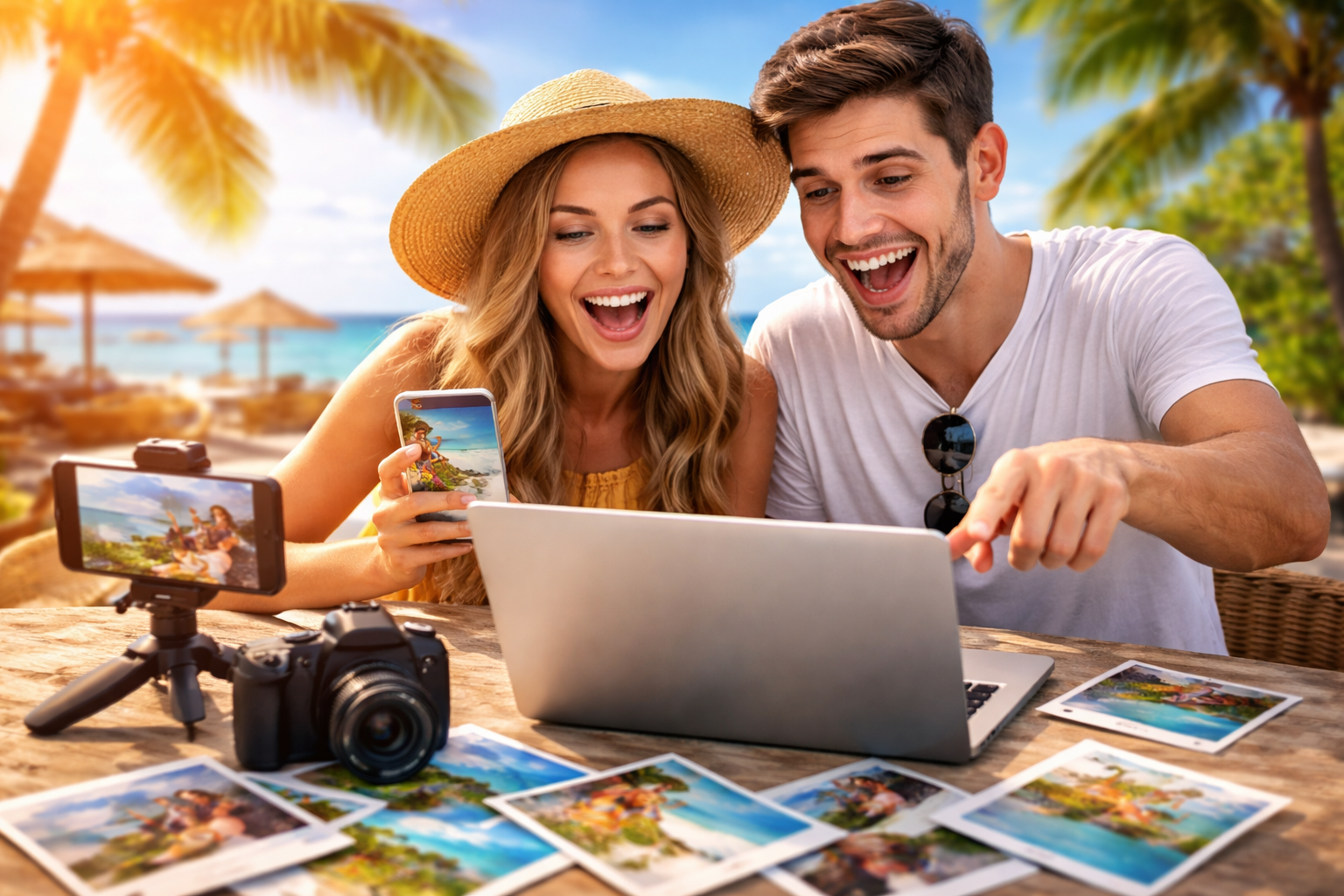
Photos capture moments, but videos bring those moments back to life with motion, emotion, and storytelling. Turning your travel pictures into a video helps you relive the experience in a more immersive way.
When you scroll through hundreds of images, the story often gets lost. A video organizes your memories into a meaningful sequence. It lets you add flow, pacing, and feeling, something static images alone cannot fully deliver.
For many people, creating a video is also about sharing. Whether it is with friends, family, or social media, a well-crafted video communicates your journey in a way that feels natural and engaging.
What makes a vacation photo video actually look good
A good vacation video is not just a slideshow of random images. It follows a simple narrative that connects each moment smoothly, helping you showcase the beauty of the best travel destinations you have visited.
Start by thinking about your trip like a story. There is a beginning, middle, and end. Your arrival, key experiences, and final moments should feel connected. Even without words, viewers should understand the journey.
Consistency is another important factor. Photos with similar lighting, color tones, or themes work better together. Mixing completely different styles can make the video feel disjointed.
Timing also matters. Each image should stay on screen long enough to be appreciated, but not so long that it becomes boring. A steady rhythm keeps viewers interested from start to finish.
How can you create a video from photos without editing skills
Creating a polished video used to require technical knowledge, but that is no longer the case. Today, tools like invideo make it easier to create video from photos by guiding you through a simple, structured process that focuses more on storytelling than technical steps.
Instead of worrying about complex controls, you can focus on selecting the right images and arranging them in a meaningful order. The process feels more like telling your story than working on a technical project. This shift makes it accessible even for beginners who have never made a video before.
As these tools evolve, many are now powered by intelligent systems that help generate transitions, pacing, and flow automatically. This is where the idea of a video ai app becomes relevant, as it reduces the effort required while still delivering visually appealing results.
How do you choose the right photos for your video?
Not every photo from your trip needs to be included. In fact, using fewer but more meaningful images often creates a stronger impact.
Start by selecting photos that represent key moments. Think about:
- Arrival shots, like airports or road trips
- Landmark or highlight experiences
- Candid moments with people
- Unique details like food or local culture
- Ending shots that wrap up the journey
Avoid including too many similar photos. For example, if you have ten pictures of the same beach, choose the one that best represents that moment.
It is also helpful to mix wide shots with close-ups. This adds variety and keeps the viewer visually engaged throughout the video.
How can you arrange your photos to tell a story?
Once you have selected your photos, the next step is arranging them in a way that feels natural and engaging.
Think chronologically first. Start from the beginning of your trip and move forward. This helps viewers follow along easily without confusion.
After that, you can refine the sequence. Group similar experiences together. For example, all food-related photos can form a mini segment, while adventure activities at various travel destinations can form another.
Transitions between different parts of your trip should feel smooth. A sudden jump from a calm sunset to a crowded market can feel jarring unless placed thoughtfully.
You can also create emotional flow. Start with excitement, move into exploration, and end with calm or reflection. This subtle structure makes your video feel complete.
What role does music play in your vacation video?
Music can completely change how your video feels. It sets the mood and helps connect different moments together.
A slow, relaxing track works well for scenic landscapes or peaceful moments. On the other hand, upbeat music fits adventure activities or city exploration.
Try to match the rhythm of your video with the music. Faster songs usually require quicker image transitions, while slower songs allow longer pauses.
Avoid choosing music that feels disconnected from your visuals. The goal is to enhance the story, not distract from it.
How long should your vacation video be
One common mistake is making the video too long. Even if your trip lasted several days, your video should stay concise and engaging.
For most purposes, a duration of one to three minutes works well. This is enough time to showcase key moments without losing the viewer’s attention.
If you have a lot of content, consider creating multiple shorter videos instead of one long one. For example, you can make separate videos for different days or themes.
Keeping your video short also makes it easier to share and more likely to be watched completely.
What common mistakes should you avoid when creating your video
Many beginners make small mistakes that reduce the overall quality of their video. Being aware of how artificial intelligence in video can fix these issues can help you create something much better.
One mistake is adding too many photos. This can overwhelm the viewer and make the video feel cluttered. Focus on quality over quantity.
Another issue is inconsistent pacing. If some images stay too long while others flash quickly, the video feels uneven.
Poor image quality can also affect the final result. Try to use clear and well-lit photos whenever possible.
Finally, avoid overcomplicating the process. Simplicity often leads to a cleaner and more enjoyable video.
How can you make your video more personal and engaging
A great vacation video is not just about places. It is about your experience and emotions.
Including candid moments makes your video feel real and relatable. These could be laughter, unexpected events, or small details that made your trip special.
You can also add context through short captions or subtle text if needed, but keep it minimal. Let the visuals do most of the storytelling.
Another way to personalize your video is by focusing on what stood out to you. Instead of trying to show everything, highlight what mattered most.
Conclusion
Turning your vacation photos into a video is one of the easiest ways to bring your memories to life. It transforms scattered images into a meaningful story that you can relive and share anytime.
You do not need advanced skills or complex tools to get started. With the right approach, careful selection, and a clear sense of storytelling, anyone can create a visually appealing video in just minutes.
The key is to focus on the experience behind the photos. When your video reflects the emotions and moments that made your trip special, it naturally becomes something worth watching again and again.
🗓️ Updated Travel Tips & Information (2026)
Embrace AI-Powered Video Editing for Speed
Explore emerging AI-driven video editors that can automatically select your best shots, suggest optimal music pairings, and even generate dynamic transitions. These tools, becoming more sophisticated by 2026, significantly cut down editing time
Last updated: July 26, 2026